The store creates the order
The customer starts in the WooCommerce checkout they already know. MiraclePay appears as an available payment option when the store has configured the approved plugin and account connection.


Bring crypto to your checkout.
To use a WooCommerce crypto payment gateway and get paid in dollars, install the MiraclePay plugin, complete merchant approval and KYB, connect the approved API key, and configure the payment method. Customers pay with supported crypto from a compatible wallet; eligible merchants follow a crypto-to-fiat flow that settles in USD, so the business does not carry crypto price volatility exposure.
Available to eligible U.S. merchants; some states may be excluded, including New York State.
Last updated: September 2026
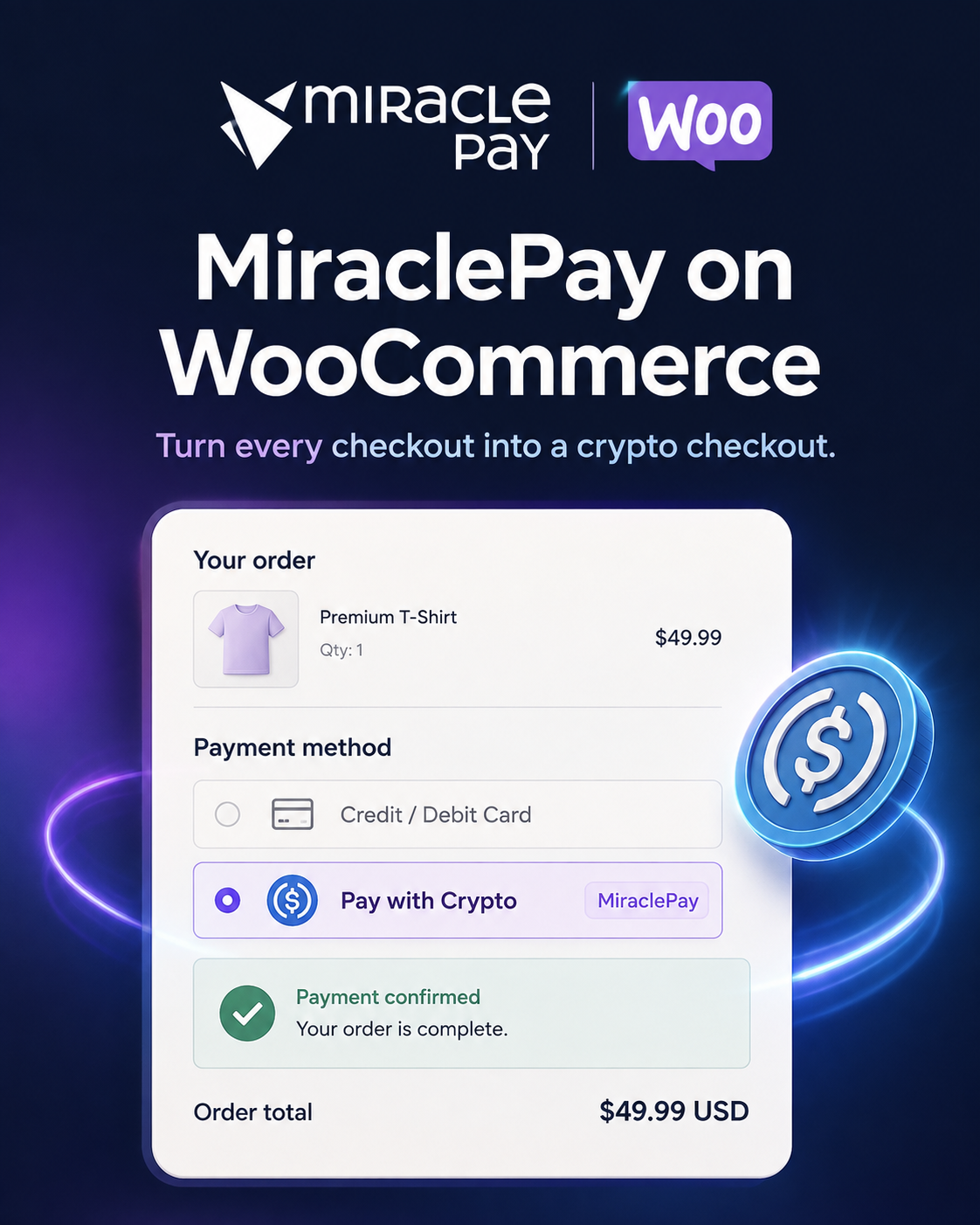
MiraclePay adds a crypto payment option to an eligible U.S. WooCommerce store. The shopper chooses an available asset at checkout, pays from a compatible wallet and receives a clear payment status. The merchant keeps the existing WooCommerce order flow while MiraclePay connects the payment to the approved settlement route.
The important distinction is what happens after the customer pays: MiraclePay is built around crypto-to-fiat settlement. The approved merchant flow settles in USD, rather than requiring the business to hold BTC, ETH or another crypto asset and manage its price movement. The merchant transaction fee is a flat 2%.
Availability depends on merchant approval, KYB, account configuration and geography. MiraclePay currently targets eligible U.S. merchants, and some states may be excluded, including New York State. Confirm assets, networks and terms during onboarding before promising a payment option to customers.
A customer can pay with a supported crypto asset, but the merchant outcome is USD settlement through the approved MiraclePay account configuration. That separation matters for businesses that want to reach crypto-native shoppers without adding crypto treasury management to their daily operation.
In practical terms, the WooCommerce order remains the commercial reference. The payment is created for that order, the customer follows the wallet payment instructions, and the store receives a status it can use for its order policy. The approved settlement route then handles the merchant-side USD outcome. Exact operational terms, supported networks and availability are account-specific.
For a DTC store, this means a customer can pay with USDC or another available asset while the merchant plans around USD rather than the asset’s market price. It is a payment choice for the shopper, not a requirement that the merchant become a crypto holder.
The customer starts in the WooCommerce checkout they already know. MiraclePay appears as an available payment option when the store has configured the approved plugin and account connection.
The checkout presents the crypto assets and networks available to that merchant account. The customer follows the payment instructions from a compatible wallet.
The store can use the payment state alongside its own fulfilment policy. That keeps the order reference close to the payment instead of leaving support teams to match a wallet transfer manually.
The approved crypto-to-fiat flow delivers the merchant-side USD outcome. Exact settlement and availability terms remain subject to onboarding and account configuration.
Start by confirming that your business is eligible for the U.S. merchant flow and that your state is supported. MiraclePay does not currently serve New York State, and availability should be treated as account-specific rather than automatic nationwide coverage.
Next, confirm the exact assets and networks approved for your account. The reference table on this page includes BTC, ETH, USDT, USDC, SOL and XRP, but a store should enable only the options that appear in its approved configuration. This avoids presenting a network that the customer cannot use.
Finally, decide how your team will use the payment status before fulfilment. Define who reviews an exception, what status allows an order to proceed and how support will answer a customer question. A short internal test order can validate the plugin configuration, order reference and customer instructions before the first live sale.
Setup starts with business approval, not a guess at which API key or network to use. Follow the four-step path below, then confirm the approved payment configuration before launch.
Apply with your U.S. business details and confirm that WooCommerce fits your approved payment flow.
Finish the required business onboarding and eligibility review before processing live payments.
After approval, MiraclePay provides the API key used to connect the plugin to your merchant account.
Enter the key in the plugin settings, choose the approved payment options and test the order flow.
DTC stores can offer a wallet-native payment option without replacing the WooCommerce storefront or asking the merchant to hold the customer’s crypto. The USD settlement model is especially relevant for high-ticket categories such as jewelry, diamonds, watches and electronics, where the business may want payment choice without price-volatility exposure.
A jewelry store, for example, can present a supported crypto option beside its existing payment methods, keep the order context in WooCommerce and plan around the approved USD settlement route.
Cross-border sellers often serve customers who already use digital assets, including travel businesses, precious-metal sellers and digital-goods or gift-card merchants. A crypto checkout can give those customers a familiar wallet path while the merchant keeps the settlement outcome in USD, subject to eligibility and approved configuration.
A travel merchant can evaluate the WooCommerce flow for an online booking while keeping the payment reference attached to the order and confirming the supported network before launch.
MiraclePay’s supported asset set is BTC, ETH, USDT, USDC, SOL and XRP. The table shows the supplied network examples; final availability is confirmed for the approved merchant account and can vary by market or configuration.
| Asset | Example networks | USD settlement | Online / QR / POS | Card chargebacks |
|---|---|---|---|---|
| BTCBitcoin | Bitcoin | Yes, for eligible approved accounts | Yes, by approved channel | No card-network chargeback process |
| ETHEthereum | Ethereum, Base, Arbitrum | Yes, for eligible approved accounts | Yes, by approved channel | No card-network chargeback process |
| USDCUSD Coin | Base, Ethereum, Arbitrum, Polygon, Solana | Yes, for eligible approved accounts | Yes, by approved channel | No card-network chargeback process |
| SOLSolana | Solana | Yes, for eligible approved accounts | Yes, by approved channel | No card-network chargeback process |
| XRPXRP | XRP | Yes, for eligible approved accounts | Yes, by approved channel | No card-network chargeback process |
| USDTTether | Ethereum, Arbitrum, Polygon, Solana | Yes, for eligible approved accounts | Yes, by approved channel | No card-network chargeback process |
Network and regional availability can change. Confirm the options available to your account before enabling live payments.
MiraclePay’s merchant transaction fee is a flat 2% per transaction, with USD settlement for the approved merchant flow. This gives a store a clear starting point for evaluating crypto acceptance rather than tying the fee to which supported asset the customer chooses.
For example, a $1,000 eligible transaction has a $20 fee at the flat 2% rate. Merchants should confirm any account-specific operational terms, asset availability and settlement configuration during onboarding before calculating a live payment plan.
Download the MiraclePay for WooCommerce ZIP after sharing your name, email and company. The download is intended for merchants evaluating the integration, and U.S. merchant onboarding is required before processing live payments.
Use the plugin with the approved API key and configuration for your account. One download per email is allowed every 24 hours.
These answers cover eligibility, setup, supported assets, USD settlement and the flat transaction fee. Confirm account-specific details during onboarding.
The MiraclePay WooCommerce payment flow is available to eligible U.S. merchants after merchant approval and KYB. Availability is not exception-free nationwide: some states may be excluded, including New York State, and the exact assets, networks and settlement configuration are confirmed for the approved account. The plugin is designed for DTC ecommerce, high-ticket stores and cross-border sellers that want to add crypto without asking the business to hold crypto. For example, an eligible U.S. watch retailer can apply, complete KYB and configure the approved payment route before launch.
Start with merchant approval, then connect the plugin to the payment route approved for your eligible U.S. business.